A warranty is only worth what someone will actually honour. For an iPhone 18 Pro bought in Nigeria, there are usually two separate promises in play — Apple's, and your seller's — and they are not the same thing.
Step 1: find the serial number
Two places:
- On the phone: Settings, then General, then About. Scroll to Serial Number and IMEI. Tap and hold to copy.
- In the box: printed on the label, along with model and storage.
If the serial on the phone and the serial on the box do not match, stop. That is a repacked unit.
Step 2: check coverage on Apple's own page
Enter the serial number on Apple's official "Check Coverage" page — do this from your own phone, not the seller's device or a link they send you. Fake coverage pages exist.
You are looking for:
- The correct model. It must read as an iPhone 18 Pro or 18 Pro Max, matching what you are buying.
- Valid purchase date. Coverage generally starts at first sale, not when it reaches Nigeria. A phone bought abroad in September has been ticking since September.
- Repairs and Service Coverage: Active. If it says expired on a supposedly new phone, the phone is not new.
- Whether the purchase date needs verifying. That prompt often means the device was never properly registered — worth a question.
Step 3: check the IMEI too
Same screen, same page. The IMEI should match the box label and any receipt. Note it down and keep it somewhere off the phone, in case of theft.
What Apple's limited warranty covers
Broadly: manufacturing defects for a limited period from first purchase. Broadly not:
- Accidental damage, including cracked screens
- Liquid damage
- Damage from unauthorised repairs or non-genuine parts
- Normal battery wear
- Anything on a phone opened by a roadside repairer
That last point is important in Nigeria. One cheap screen replacement with a non-genuine panel can end your coverage for everything else. Costs are in screen replacement in Nigeria.
The Nigerian reality
There is no Apple Store in Nigeria, and Nigeria was not in Apple's first-wave launch for the iPhone 18 Pro. Practically, that means:
- Service goes through Apple Authorised Service Providers. Call one and ask, by model, whether they can service an iPhone 18 Pro and whether they will honour warranty on an imported unit.
- Some repairs may require the phone to travel, which means time without it.
- Parts availability for a brand-new model is limited early on.
Do not assume. Ask a named provider before you buy, and note their answer.
Your seller's warranty, which often matters more
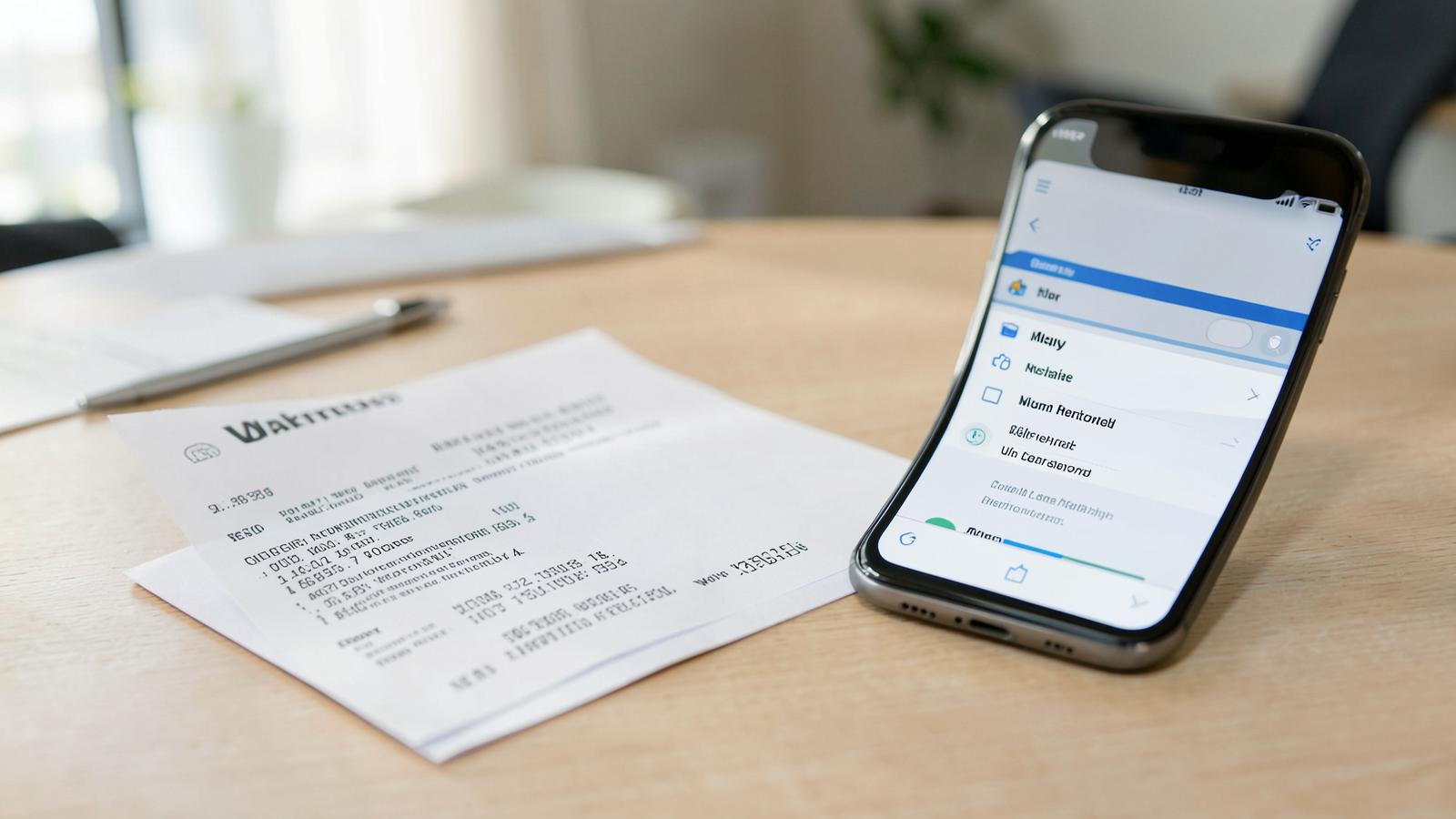
Because Apple support is awkward here, the seller's promise is what you will use first. Get it written on the receipt:
- Length in months
- Exactly what is covered — and whether "warranty" here means repair, replace or refund
- Whether battery and screen are included (usually not)
- What voids it
- The business name, physical address and phone number
- What happens in the first seven days if the phone is faulty
A verbal "we give one year warranty" is not a warranty. Details on choosing sellers: where to buy safely.
AppleCare and insurance
If you buy abroad you may be offered extended coverage. Before paying, check whether it can be used from Nigeria at all — some plans depend on service options that do not exist here. Local gadget insurance is an alternative worth pricing for a phone at this value.
Keep these four things
- The receipt, photographed and backed up
- The IMEI and serial, saved off the phone
- The box with its label
- Screenshots of every message where the seller stated warranty terms
And a plain observation
Part of the reason phones in our own catalogue are easier to live with is that a ₦200,000 phone bought from a Nigerian seller with a stated returns policy is a solvable problem when it goes wrong. A ₦2.5 million imported phone is not. See phones under ₦300,000 or our iPhone 18 Pro alternatives.